Three.js Particle Notes 02: Data Texture and Geometry Buffer: This note continues the GPGPU particle series by focusing on data textures and geometry buffers. These two pieces explain how information moves between simulation and rendering.
This note continues the GPGPU particle series by focusing on data textures and geometry buffers. These two pieces explain how information moves between simulation and rendering.
A data texture stores numerical values in a texture-like format. Instead of using it as an image, the shader reads it as structured data, such as particle position, velocity, or custom attributes.
The geometry buffer defines what will be drawn. In many particle systems, the visible geometry is simple; the important information comes from textures sampled in the shader.
This separation is powerful because the CPU does not need to update every particle manually. The GPU can read texture data and compute positions in parallel.
Before publishing, I would verify the code snippets and add a small diagram showing how data texture, simulation shader, render target, and visible geometry connect.
The following source media, links, code, and MDX components are kept as technical references.
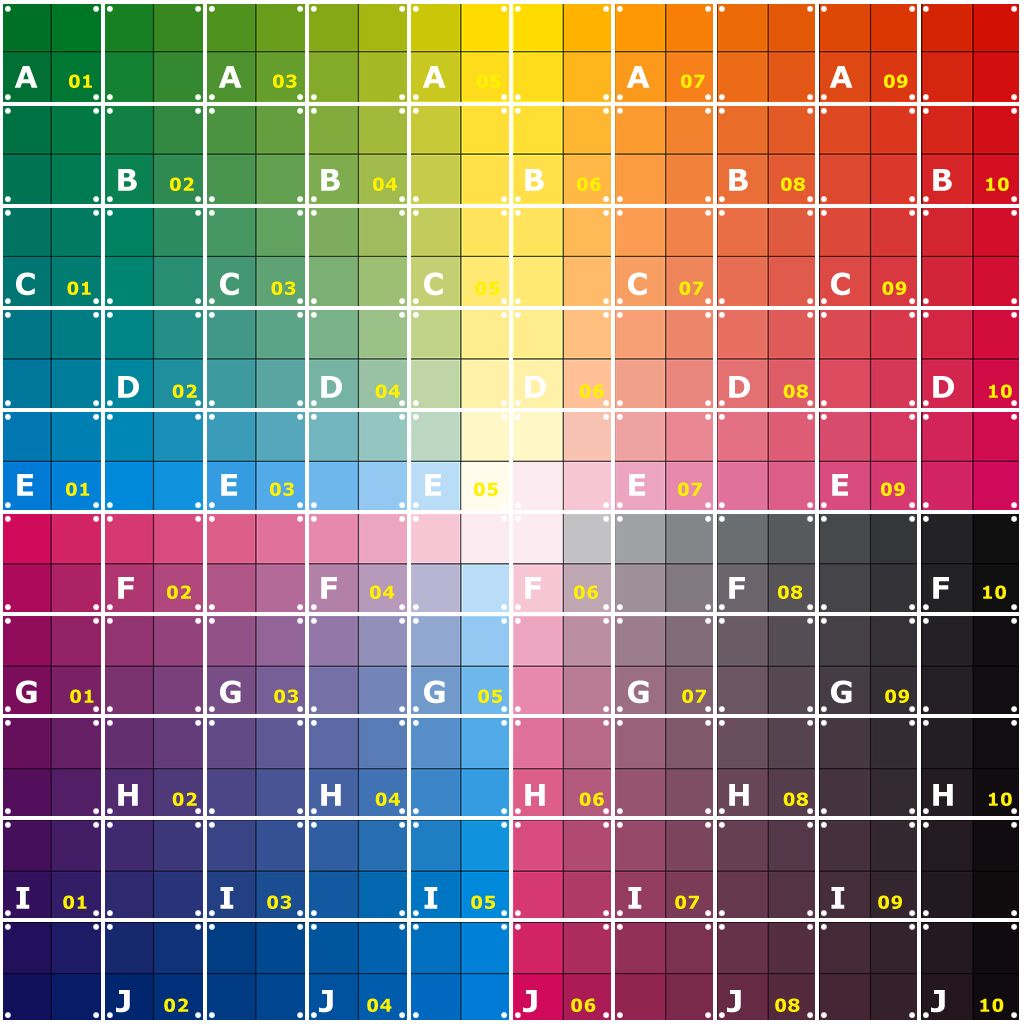

root
L public
     L test.jpg
|- index.html
|- main.js
L style.js
import texture from '/test.jpg'
this.geometry = new THREE.PlaneGeometry(1,1,this.size,this.size);
this.material = new THREE.MeshNormalMaterial();
//透過uniform變數將texture傳遞給shader
this.material = new THREE.ShaderMaterial({
        uniforms: {
            time: {value: this.time},
            uTexture: {value: new THREE.TextureLoader().load(texture)}
        },
        vertexShader: vertexShader,
        fragmentShader: fragmentShader,
    })
varying vec2 vUv;
uniform sampler2D uTexture;


void main() {
    vec4 color = texture2D(uTexture, vUv);
    gl_FragColor = vec4( color.xyz, 1.0 );
}
//main.js
this.size = 32;
this.number = this.size * this.size;
//main.js
this.positions = new Float32Array(this.number * 4);
for (let i=0; i<this.size; i++){
      for (let j=0; j<this.size; j++){
        let index = i*this.size + j;
        this.positions[4 * index] = i/(this.size-1) - 0.5;//x
        this.positions[4 * index+1] = j/(this.size-1) - 0.5;//y
        this.positions[4 * index+2] = Math.random() * 0.05;//z
        this.positions[4 * index+2] = 1;

      }
    }
//main.js
this.positionsTexture = new THREE.DataTexture(this.positions, this.size, this.size,THREE.RGBAFormat, THREE.FloatType);
this.positionsTexture.needsUpdate = true;
//main.js
this.material = new THREE.ShaderMaterial({
        uniforms: {
            time: {value: this.time},
            positionTexture: {value: new THREE.TextureLoader().load(texture)},
            uTexture: {value: this.positionsTexture}
        },
        vertexShader: vertexShader,
        fragmentShader: fragmentShader,
    })
//vertex shader
uniform float time;
uniform sampler2D positionTexture;
varying vec2 vUv;


void main() {

    vUv = uv;
    vec4 color = texture2D(positionTexture, uv);
    vec3 newpos = color.xyz;

    vec4 mvPosition = modelViewMatrix * vec4( newpos, 1.0 );

    gl_PointSize =  5.0;

    gl_Position = projectionMatrix * mvPosition;

}
//main.js
this.geometry = new THREE.BufferGeometry();
//main.js
this.positions = new Float32Array(this.number * 3);
this.uvs = new Float32Array(this.number * 2);
//main.js
    for (let i=0; i<this.size; i++){
      for (let j=0; j<this.size; j++){
        let index = i*this.size + j;
        this.positions[3 * index] = i/(this.size-1) - 0.5;//x
        this.positions[3 * index+1] = j/(this.size-1) - 0.5;//y
        this.positions[3 * index+2] = Math.random() * 0.05;//z

        this.uvs[2* index] = i/(this.size-1);//u
        this.uvs[2 * index+1] = j/(this.size-1);//v
      }
    }
//main.js
    this.geometry.setAttribute('position', new THREE.BufferAttribute( this.positions , 3));
    this.geometry.setAttribute('uv',new THREE.BufferAttribute( this.uvs, 2) );
//vertex shader
uniform float time;
uniform sampler2D uTexture;
varying vec2 vUv;


void main() {

    vUv = uv;
    vec3 newpos = position;

    vec4 mvPosition = modelViewMatrix * vec4( newpos, 1.0 );

    gl_PointSize =  5.0;

    gl_Position = projectionMatrix * mvPosition;

}
This note continues the GPGPU particle series by focusing on data textures and geometry buffers. These two pieces explain how information moves between simulation and rendering.
It is for readers who want to understand the implementation, design tradeoffs, and learning context behind Three.js Particle Notes 02: Data Texture and Geometry Buffer.